For CTOs / Technical Decision-Makers · Beginner · Commercial · Solves: Cannot edit the Webflow CMS without the freelancer, SEO fields exist but do not render, Custom code nobody documented
Key takeaways
- Workspace ownership belongs to your company on day one.
- CMS modeling and Editor access matter more than homepage motion.
- SEO fields must be wired on templates, not left empty in the collection.
- Undocumented embeds are lock-in even when you hired an individual.
Freelancer checklist
- You keep workspace admin.
- They train an editor, not a ticket queue.
- They can explain LCP and unused interactions.
- They have an exit path to export or migrate.
Agency lock-in is a different URL: how to choose a Webflow agency.
Hiring a Webflow developer is not the same job as hiring a Webflow agency. The agency question is lock-in, process, and whether a team can cover a launch. The developer question is skill: can this person model a CMS, wire SEO fields, leave you in the client workspace, and write custom code you can find again in six months.
I build in Webflow and I also take over files other people left behind. The pattern is familiar. Beautiful home page. CMS that cannot filter. Titles that are the same on every item. Client workspace still in the freelancer's email. An embed that only works if you never touch the nav.
If you are comparing studios, use the lock-in lens in how to choose a Webflow agency. This article is the interview for one operator.
Skill vs studio: what changes
A strong individual can out-build a junior bench at a branded agency. They can also vanish, get sick, or over-commit. You mitigate that with ownership and documentation, not by pretending a single developer is a department.
What you should not mitigate away: the requirement that you own the workspace. A brilliant developer who invoices from a project you cannot access is a risk, no matter how good the interactions look.
- Workspace and billing under your company on day one.
- A CMS schema written before the first inner page is decorated.
- SEO fields that render, not fields that sit unused in the collection.
- Custom code listed in a short inventory with where it lives.
If you cannot add a CMS item without a Loom from the developer, you hired a retainer with extra steps.
CMS modeling is the real senior skill
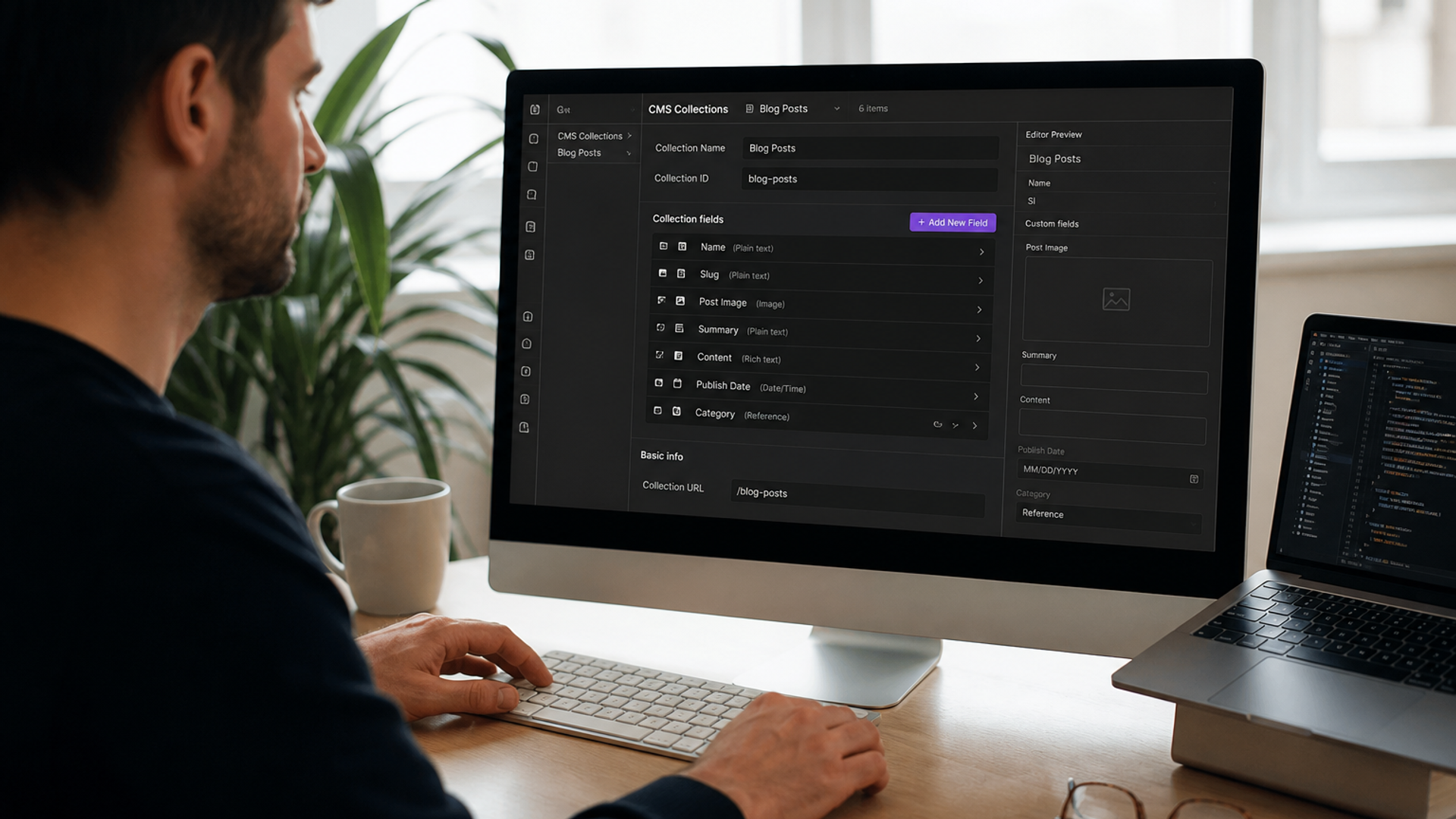
Anyone can make a hero. Senior Webflow work is collections, references, multi-reference fields, and templates that do not collapse when the title is long. Ask to see a collection schema from a past project (sanitized). If they only show a static home page, keep walking.
Class systems are part of CMS skill even when they look like 'design.' Client-First or a documented custom system is useful if they will teach it. A private combo-class dialect with no notes is how your in-house designer breaks the blog template on day two. Ask how components are named and where the documentation lives.
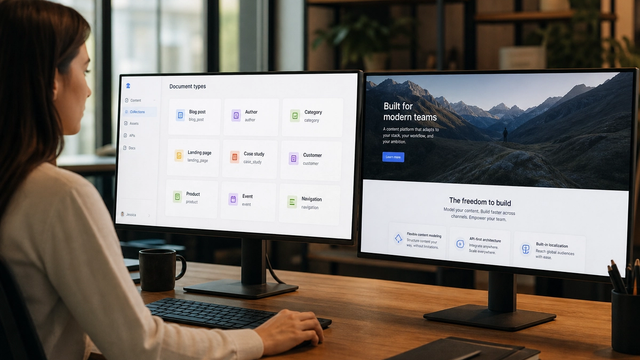
Marketers should be able to add an item in Editor and have layout, slug, and meta work. If every new case study requires Designer, the CMS is a prop.
Questions that expose a weak CMS
- How do you handle a blog author who writes more than one post?
- Where does the canonical live on a paginated collection?
- What happens when we hide an item: sitemap, 404, or still indexed?
- Can a non-designer create a new CMS-driven landing page, or only edit fields on templates you created?
SEO fields that are actually wired
Webflow can rank. It can also ship duplicate titles, empty descriptions, and a sitemap full of items you thought were drafts. A developer who takes SEO seriously will show you title, description, Open Graph, and canonical on the template, driven by collection fields, with fallbacks.
Ask them to open a CMS template and point at the fields, live. If they talk about 'we add an SEO embed at the end,' titles will drift. If they cannot explain what Webflow puts in the sitemap after you unpublish an item, they have not operated a real collection. That is not a trick question. It is the job.
Platform behavior still matters. I wrote the operator version of that in what Webflow SEO does well and where it breaks. Your hire should already know those edges without a sales deck.
Webflow's public training sits in Webflow University. If they cannot explain SEO settings, 301s, and collection template meta without improvising, they are a layout specialist.
Client workspace, Editor, and seats
The project should live in your workspace. You invite them as a seat. They should not hold the only Super Admin. Editor access for marketing is part of the build, not a training upsell after you already paid.
Confirm the custom domain, staging, and publishing roles while you are still in the sales call. Ask how they handle Webflow's staging vs production, who clicks Publish, and whether client-first class changes require a full-site QA. A developer who publishes from their laptop on a Friday with no checklist will eventually publish a draft CMS item to the world.
Watch them set up the Editor experience. Can a non-designer change a heading without breaking a class combo? Can they add a CMS item and see the new URL? If the developer insists everything must happen in Designer 'for quality,' you will pay them for every typo forever.
Seat math matters. If marketing, the contractor, and an in-house designer all need access, plan that before you sign. A developer who builds as if they will be the only human in the file will use unpublished classes and leftover symbols that nobody else can decode. Ask them to narrate how a second person would add a page.
Custom code hygiene
Webflow is fine with embeds, custom attributes, and code components. The failure mode is an undocumented script that powers the nav, the form, and three animations. When it breaks, nobody knows which embed to open.
- List every custom script, embed, and integration in a one-pager.
- Prefer native Webflow when it exists. Custom is for gaps, not for ego.
- Do not minify mystery code in an embed with no source.
- Forms should have an obvious destination (HubSpot, webhook, native) and a documented failure state.
Ask who maintains the Git repo if they use code components. If the answer is 'it's on my machine,' you do not own that part of the site.
Integrations deserve the same inventory: HubSpot, analytics, chat, cookie banners, booking embeds. Each one costs performance and each one can break Editor publishing if it injects scripts globally. A senior developer will tell you which ones they refuse to put in the site-wide custom code footer.
Performance is part of the hire
A developer who ships a 4000px hero, three font families, and a tag manager packed with abandoned pixels is not 'visual.' They are creating a Core Web Vitals problem you will pay to undo.
Ask what they do with images inside CMS items, not only the homepage art. Collection templates are where LCP dies: oversized uploads, missing sizes, background video autoplay, and Lottie files on every card. A hire who already has an image discipline will talk about Webflow's responsive images and what they still have to constrain in the Editor.
For the checklist of typical Webflow LCP, INP, and CLS issues, use Webflow performance optimization as the technical companion. In the interview, ask what they refuse to put on a homepage.
Field data still beats a vanity Lighthouse screenshot. Google's Core Web Vitals documentation is the reference. Ask how they measure LCP on the CMS template, not only on the static home page.
Forms, localization, and the work after launch
Native Webflow forms are fine until you need routing, CRM fields, or a thank-you URL that matches the offer. A developer should tell you where submissions go, what happens on failure, and whether marketing can change the fields without breaking the webhook. Hidden 'we will add Zapier later' is how leads vanish for a week.
Localization is another seniority tell. Duplicate-the-site is not a locale strategy. If you have real language or country variants, ask how slugs, hreflang, and CMS items will work. If they have never shipped a second locale, do not make your site the first experiment unless you have accepted that risk in writing.
After launch, you still need a way to add 301s, hide collection items without leaving ghosts in the sitemap, and update global SEO settings. Ask who does that work in month two. If the answer is 'you will need me for every slug,' price that retainer honestly or demand a documented process your team can run.
Backups and rollback are part of the same conversation. Webflow versions help. They are not a substitute for a written note of what shipped, which custom code changed, and how to undo a bad CMS schema edit. A developer who cannot describe rollback is a developer who only thinks in forward motion.
A first-call scorecard
Score 1 to 5 on: workspace ownership, CMS modeling, SEO implementation, custom-code inventory, Editor handoff, and performance habits. Ignore the interaction reel until those scores exist.
- Who owns Webflow billing next Tuesday?
- Show a CMS schema before you show a home page.
- Where do title tags live, and can marketing edit them?
- Name every third-party script you would install on day one.
- How do 301s get added when we change a slug in six months?
Portfolio red flags: only static marketing pages, no CMS templates, no mention of Editor, every site still on a webflow.io subdomain in the screenshot, and 'SEO' as a badge with no title-tag story. A clean interaction on one landing page is not evidence they can run a collection.
Ask for a 15-minute screen share of a live Editor, not a polished case-study video. Watch them add a CMS item, change a slug, and show where the 301 would go. If they refuse to share a file they actually operate, assume the pretty shots are someone else's work. That screen share tells you more than a certification badge.
I take Webflow builds that you can keep. If you already have a candidate, send the proposal and the current workspace situation. I will tell you which questions they still have not answered.
Implementation table
| Fix | Problem | What to change | Metric | Tool |
|---|---|---|---|---|
| Workspace under company | Freelancer-owned project | Transfer before kickoff or before more work | You can add seats and billing | Webflow workspace |
| Editor publish test | Marketing blocked | Non-designer adds a CMS item live | Task completed unaided | Webflow Editor |
| Code inventory | Mystery embeds | One-pager of scripts and destinations | Zero undocumented embeds | Project audit |
Interviewing a Webflow developer this week?
Send the proposal and who owns the workspace. I will tell you which skill gaps and lock-in risks are already in the deal.
Book a Webflow hire reviewSources & references