For CTOs / Technical Decision-Makers · Intermediate · Commercial · Solves: Editors fighting the visual CMS, Localization by duplicating pages, SEO rules that cannot be expressed as collection fields
Key takeaways
- Most marketing sites do not need headless yet.
- Move when preview, roles, locales, or template SEO outgrow the visual CMS.
- Headless is an extra system to staff, not a ranking upgrade by itself.
- Scope the move like a product: ownership, preview, and URL preservation.
Most marketing teams do not need a headless CMS. They need a site they can edit, a blog they can publish, and SEO fields that work. Webflow and Framer do that for a large share of companies. Headless plus Next.js starts to win when the content model, the roles, the locales, or the SEO surface area outgrow a visual CMS.
I ship both. I will tell you to stay on Webflow if the pain is a messy class system, not a missing API. I will tell you to move when preview, structured content, and template-level SEO are fighting the editor every week. This is not a purity argument. It is an operating-model argument.
The honest default: stay put until it hurts
Headless is an extra moving part: a CMS, a front end, hosting, preview, and a developer in the loop when a schema changes. That cost is real. If two marketers can ship landing pages in Framer this afternoon, do not buy Sanity because a conference talk made it sound inevitable.
Stay-put is not anti-ambition. It is sequencing. Fix the offer, the IA, and the SEO fields you already have. If the visual CMS is still the bottleneck after that, you have a real reason to move. If the bottleneck was a vague homepage, headless will reproduce the vagueness with more YAML.
- You publish fewer than a handful of content types.
- One locale, or a language story you can handle with separate projects for now.
- No authenticated product sitting on the same domain as the marketing site.
- SEO is important, and the current tool can already do titles, canonicals, and a clean sitemap when configured well.
If the team cannot describe the content model on a whiteboard, they are not ready to maintain a headless one.
What 'headless' changes for marketers
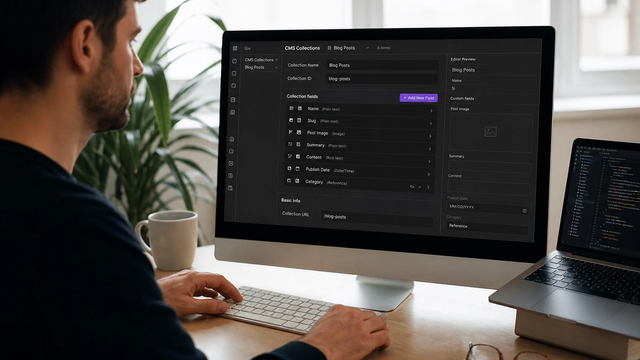
In Webflow or Framer, the page and the content are close together. In a headless setup, marketers edit structured documents. The Next.js app decides how those documents appear. That is slower on day one and faster when you need the same case study in a grid, a modal, a locale, and an RSS-like feed without copy-paste.
The win is reuse and constraint. The loss is that 'just move this block up' can require a developer if you modeled the page as free-form soup. Good headless for marketing still uses page builder modules, but those modules are typed, not infinite.
A practical test: write the five documents you publish every month. If they are all unique one-off landing pages with no shared modules, a canvas will feel faster. If they are case studies, changelog entries, docs, authors, and comparison pages that reuse the same blocks, headless starts to pay for itself.
Sanity's content modelling guide is a clear picture of documents, fields, and references. If that document feels like overkill for your blog, believe that feeling.
Preview, roles, and editorial workflow
Visual builders preview by looking at the canvas. Headless preview is a product feature: draft content rendered on a preview URL with auth so the internet cannot see tomorrow's announcement. Next.js draft mode exists for this. If a vendor cannot demo preview with a non-technical editor, you are buying a developer CMS.
Editorial workflow is more than a Publish button. Draft, review, schedule, emergency unpublish. Webflow handles a lot of this natively. Headless only handles it if you build the states and train people. If your 'workflow' is Slacking a developer a Google Doc, you will recreate that habit inside Sanity unless you design the Studio around the real jobs.
See Next.js draft mode. Your statement of work should name who clicks Preview and what they see.
Roles matter more as the team grows. Who can publish legal pages? Who can only draft? Who can break redirects? Webflow Editor vs Designer is one answer. A headless CMS with role maps is a better answer when legal, brand, and growth all touch the same corpus and you cannot give everyone Designer.
Localization and structured content
Visual CMS localization is often 'duplicate the page and hope.' Headless localization is fields, fallbacks, and a front end that knows which locale is canonical. That complexity is worth it when you have real markets, not when you want a flag icon in the nav.
If you only need a translated homepage and a careers page, stay on the visual CMS and do it the simple way. If you need 40 templates times three locales with shared modules, duplication will rot. The consultant should make you count pages, not feelings, before you buy translation infrastructure.
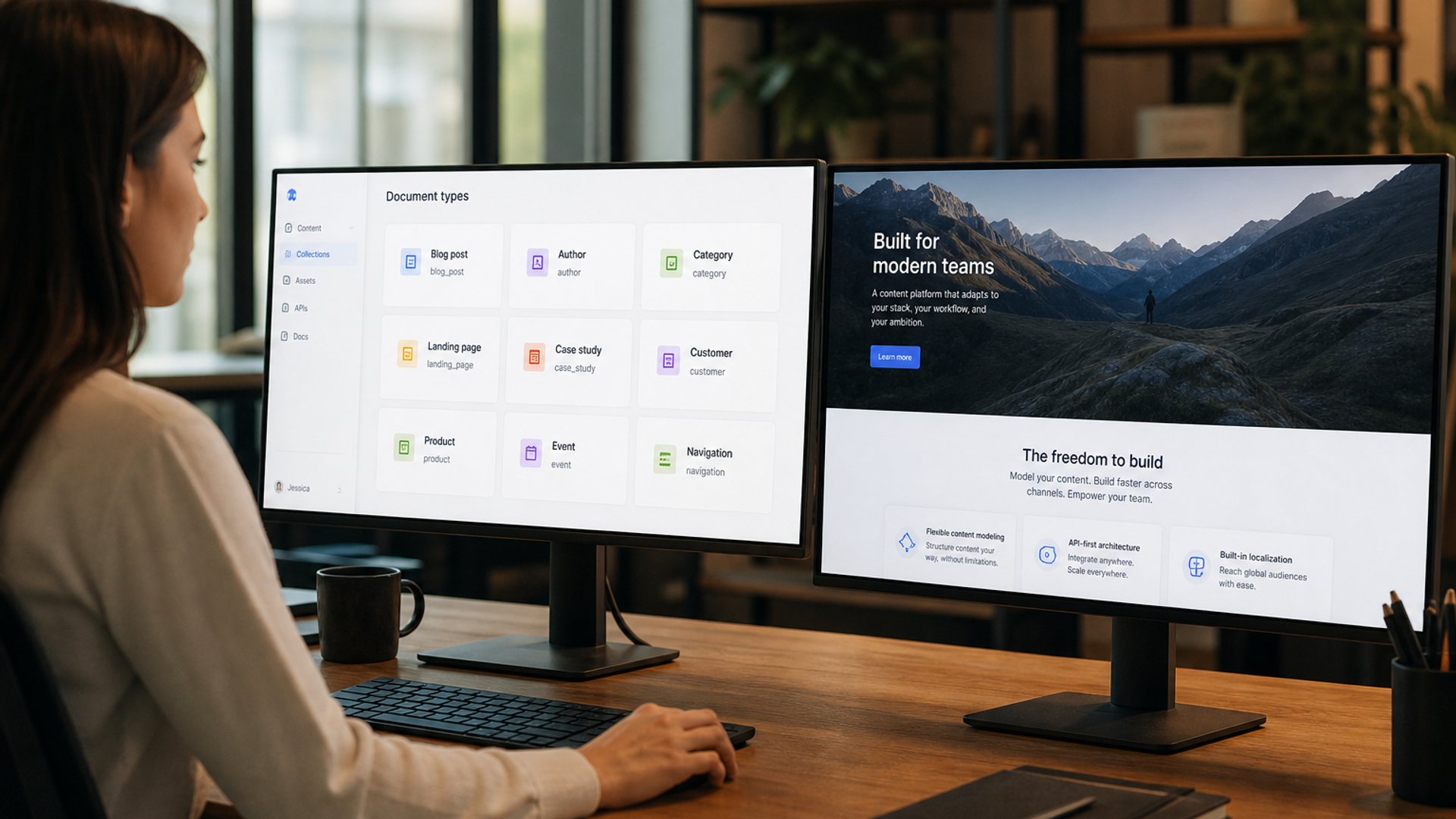
Structured content also means FAQs, authors, products, and modules are entities, not blobs of rich text. That helps SEO at scale because templates emit consistent titles, schema, and internal links. It hurts if your marketers think in one-off landing pages and refuse to reuse modules.
Plan internal linking as data, not as a designer clicking around. Related posts, related services, and breadcrumb parents should come from references in the CMS. That is one of the few times headless is clearly easier than a visual CMS, because the graph lives in the content, not in 200 manual footer edits.
SEO at scale is a template problem
At ten pages, any CMS can have unique titles. At two hundred CMS items, you need fields, fallbacks, canonical rules, and a sitemap that only lists indexable URLs. Headless plus Next.js is strong here because metadata lives in code you can review in Git, driven by CMS fields you can validate.
The risk is the opposite of Webflow's risk. Visual builders sometimes hide technical fields. Headless sometimes ships a client-rendered shell if you get fetching wrong. Important copy, links, and product data should exist in the HTML you can View Source, or in a well-understood server render. If Googlebot sees an empty layout, you did not buy better SEO. You bought a spa and called it a CMS.
Google still expects crawlable, useful pages. Start from Google Search documentation, not from a headless vendor's ranking claims. The stack does not rank. The implementation does.
If Webflow already covers your SEO needs with discipline, read Webflow SEO on the platform's terms before you pay for an API layer you will not staff.
When Webflow or Framer is still the right CMS
Stay if campaigns need to ship this week, if the design team lives in a canvas, and if the content model is still a site plus a blog plus a jobs board. Framer is especially strong when motion and campaign speed matter more than a deep collection graph. Webflow is especially strong when Editor-based CMS collections are the daily workflow.
The platform comparison for growth-stage marketing teams is Framer vs Webflow. Headless is the next decision after those two stop fitting, not a default upgrade.
Leave when you are fighting the CMS more than the market: brittle localization, preview that does not match production, a product and a marketing site that need one design system, or SEO rules that cannot be expressed as collection fields.
Another honest leave signal: you already have engineers who live in Git, and marketers who are blocked because every campaign needs a Designer seat. Headless plus a typed page-module model can give marketers speed without handing them the whole CSS file. If you have no engineers and no retained Next.js owner, that sentence is a trap. Stay on Webflow or Framer until you can staff the extra layer.
That leave/stay call is the same family as when to replatform off Webflow, WordPress, or Wix. Headless is one destination. It is not the only one.
The cost of the extra layer
Budget for schema design, preview, redirects, and a developer who will not treat marketing requests as 'out of scope.' Budget for Studio training. Budget for the first month when editors feel slower than the old canvas. If you cannot afford that, you cannot afford headless yet.
Also budget the migration as a migration. Content models do not copy-paste from Webflow collections. Rich text will need cleaning. Slugs will try to change. Forms will lose their native Webflow logic. If the project plan is 'rebuild in Next.js' with no content mapping week, you will launch a pretty empty site.
A decision checklist
- Write the content types you will still have in 18 months.
- Count locales that must share structure, not just a translated home page.
- Time a marketer publishing a new item today. Note where they need a developer.
- List SEO rules that are already failing (duplicates, weak template meta, unmapped URLs).
- If three of those are painful, shortlist Sanity (or similar) plus Next.js. If one is painful, fix the current CMS first.
Run that checklist with the people who publish, not only with the founder who wants a more impressive stack. I have watched leadership buy headless because it sounded like 'real engineering,' then hand marketers a Studio they were afraid to touch. The site got slower to update, not faster. The CMS did not fail. The operating model did.
When you do move, scope it as a product build: ownership, preview, and SEO preservation. That is the same sheet I use in Next.js agency vs freelancer scoping.
If you want a straight recommendation, send the current CMS, who publishes, and what broke last quarter. I will tell you whether headless is the next step or an expensive hobby.
Bring the content types, the locales, and whether you already have someone who can own Next.js after launch. That last point decides more than the CMS logo. Without an owner, headless is just a more expensive editor.
Implementation table
| Fix | Problem | What to change | Metric | Tool |
|---|---|---|---|---|
| Pain audit | Headless as a fashion upgrade | List where editors need a developer today | Hours per publish | Editor interview |
| Preview in the SOW | CMS without a marketer preview | Demo draft URLs before you migrate | Editor can preview unaided | Next.js draft mode |
| URL preservation | New stack, new slugs | Inventory and 301s in milestone one | Click URLs mapped | Crawl + redirects |
Unsure if Webflow still fits, or if you are just bored of it?
Tell me who publishes, how many content types you have, and what broke last quarter. I will say stay or move without a stack sermon.
Book a CMS decision callSources & references