- Same CMS does not mean the same index
- Before anyone opens Figma: freeze the search asset
- What must not change during a visual redesign
- During design: templates, media, and JavaScript
- Staging QA before the switch
- Launch day is a sequence, not a reveal
- After launch: the first 30 days
- When this redesign is actually a platform move
- FAQs
For CTOs / Technical Decision-Makers · Intermediate · Informational · Solves: Visual refresh planned with no SEO freeze, Fear of losing rankings after a redesign, Confusion between redesign SEO and a CMS migration
Key takeaways
- A same-CMS visual redesign still changes the HTML Google ranks, even when slugs stay put.
- Freeze crawl data, Search Console, nav, and schema before anyone opens Figma.
- Constrain templates, crawlable links, and LCP during design, then QA staging as if it were live.
- Launch with a sequence and a 30-day coverage watch, not a reveal-day hope.
A website redesign SEO plan is not a migration plan. You are staying on the same CMS, the same domain, and usually the same hosting. You are still changing the thing Google already ranked: templates, navigation, JavaScript, image weight, and the internal links that held the old site together.
Teams treat a visual refresh as cosmetic. Then they launch and watch titles, H1s, and footer links get simplified because the new layout looked cleaner in Figma. Search Console does not care that the moodboard was approved.
I run the same sequence every time a company wants a new look without a platform move. Freeze the current search asset. Constrain the design so it cannot quietly delete URLs. QA on staging. Launch with a watch list. Then spend 30 days comparing the new crawl to the old one.
Do the inventory work before anyone opens a design file. I wrote the technical SEO audit I run before a rebuild. This article is the timeline that sits on top of that audit when the CMS is not changing.
Same CMS does not mean the same index
Google ranks URLs, not Figma frames. A same-CMS redesign still replaces the HTML Googlebot fetches. Class names change. Header markup changes. The blog template loses the H1. The CMS item slug field gets a new auto-pattern. Someone turns a working footer of 40 links into four brand words.
That is an SEO event. It is not a platform migration. The difference matters because you should not rebuild a full redirect map for URLs that never moved. You should also not skip the work just because Webflow, WordPress, or the custom stack stayed the same.
If the URL stayed and the template changed, you still have to prove the new template is crawlable, unique, and linked.
Visual redesigns fail SEO in predictable ways. Navigation drops deep pages. Client-side interactions hide copy until a click. Hero images inflate LCP. Canonical tags that lived in an old snippet never get ported. Schema disappears because it was a paste in the site settings, not a component.
Before anyone opens Figma: freeze the search asset
The before phase is a freeze, not a brainstorm. You are capturing what exists so the new site can be tested against reality.
- Crawl every indexable URL. Keep status, canonical, title, H1, word count, and inlinks.
- Export Search Console performance for the longest window available: queries, pages, devices, countries.
- Export the Pages / Indexing report so you know what is indexed, excluded, or crawled and not indexed.
- List the top landing pages by clicks and the pages that actually produce conversations or bookings.
- Save robots.txt, the sitemap index, and a screenshot of header and footer navigation.
- Note which schema types currently validate on home, service, and article templates.
That packet is the contract. Designers can change color, type, and layout. They cannot change a slug, drop a ranked URL from the IA, or invent a second trailing-slash rule without a written decision.
Write the non-negotiables on one page
- Which paths stay identical, including trailing slash and case.
- Which titles and H1s may be rewritten, and which must keep the current topic.
- Which nav items are allowed to move, and which pages must remain one click from a hub.
- Who owns robots.txt, canonicals, and the sitemap after launch.
If you skip this, the first week after launch becomes a forensic exercise. People argue about whether traffic moved because of the design or because 30 URLs quietly 404'd. You will not remember. The crawl will.
What must not change during a visual redesign
Protect the URL space first. If a page earned clicks or links, the path should stay. Merging two service pages into one prettier page is a content decision with SEO cost. Do it on purpose, with a 301 from the retired URL, not because the new sitemap had fewer boxes.
Protect title and H1 intent even if the wording gets tighter. A homepage H1 that used to name the offer should not become a slogan. An article H1 should not become the category name. Unique titles should stay unique. Duplicate titles appear fast when a CMS template starts injecting the brand name twice.
Google's rules for picking a preferred URL live in the consolidating duplicate URLs guide. Self-referencing canonicals on the live URL are the default. Do not let the new theme point canonicals at a homepage, a pagination URL, or a leftover staging host.
Protect internal discovery. Orphan pages are indexable URLs with zero internal links. They show up after a nav redesign when a high-traffic guide only lived in the old footer. If you cannot name the new parent for that URL, you are about to hide it.
During design: templates, media, and JavaScript
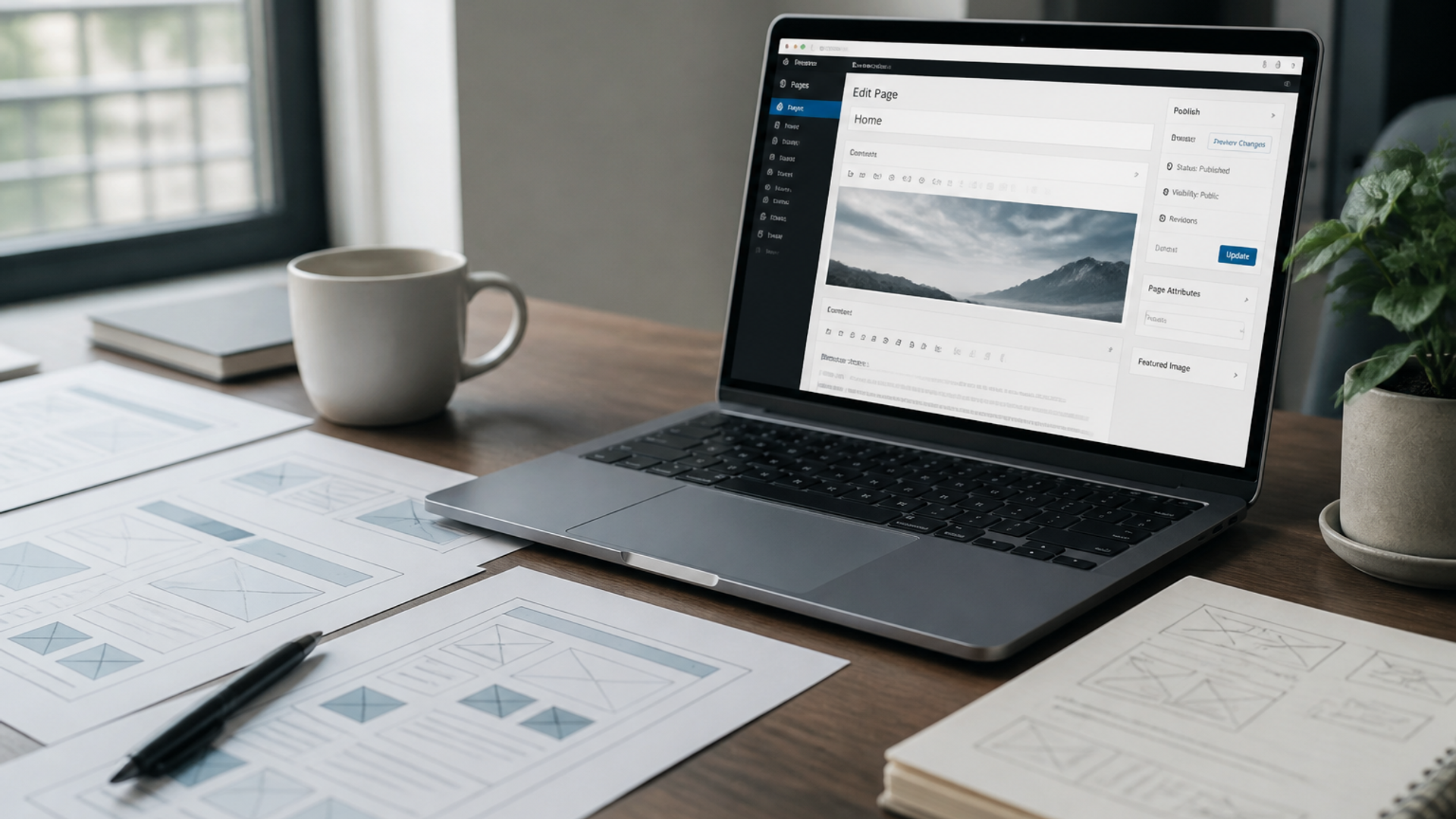
The during phase is constraints inside the design system, not a second audit. Every template that will replace a live template needs an SEO spec: title field, meta description, H1, canonical, index/noindex, Open Graph, and a place for JSON-LD that matches visible content.
Navigation is an indexation tool
A cleaner nav is allowed. A nav that deletes the only path to a money page is not. If you move items into a mega menu, confirm the links are real <a href> elements, not click handlers that never render a URL. Googlebot follows links. It does not owe you a tour of your interactions.
Crawlable link basics are in Google's documentation on links. If the new header is a JavaScript island, test the raw HTML, not only the designed state in the browser.
Images and Core Web Vitals
Redesigns love full-bleed heroes. Those files are often the LCP element. Compress them. Set dimensions. Do not load three webfonts plus a video background on every template 'because brand.' Lab scores on a designer's laptop are not field data.
Measure the templates you will actually ship. Start with Core Web Vitals and a PageSpeed pass on home, a service or product URL, and an article. Search Console field data is what you compare after launch.
JavaScript that hides the page
If important copy, prices, or internal links only appear after a client-side render or a tab click, you have a rendering risk. Test view-source and a rendered DOM. This shows up on Webflow interactions, Framer sites, and Next.js pages that forgot to server-render the body.
Staging QA before the switch
Staging should look like production without being indexable. Password-protect it, or noindex plus robots Disallow, preferably both. Do not point production canonicals at staging. Do not submit a staging sitemap to the production Search Console property.
Then crawl staging as if it were live. Compare URL lists. Diff titles and H1s against the freeze. Click the top 20 landing pages. Confirm 200s, self-canonicals, and that the H1 still matches the topic. Confirm forms post to the same destinations and that analytics still fires.
- Sitemap contains only canonical, 200, indexable URLs.
- No accidental noindex on money pages.
- No new www vs apex vs trailing-slash split.
- Schema still validates on the templates you kept.
- Internal links in nav, body, and footer resolve without chains.
Launch day is a sequence, not a reveal
Launch when the checklist is green, not when the announcement post is scheduled. Keep a rollback path if the CMS allows it. After DNS or publish:
- Crawl production immediately. Fix 404s and accidental noindex before you tweet.
- Submit the new sitemap in Search Console. Remove the old sitemap if it lists dead paths.
- Spot-check the top landing pages for title, H1, canonical, and status code.
- Request indexing only on the money pages. Do not spam inspect on the whole site.
- Confirm robots.txt still allows the HTML you care about and still blocks preview or search-result URLs.
Do not change slugs on launch day as a bonus. Do not 'clean up' trailing slashes, HTTP, and www in the same window as a visual launch unless that cleanup was in the freeze document. Stacking URL changes on a template change makes the Search Console graph unreadable.
After launch: the first 30 days
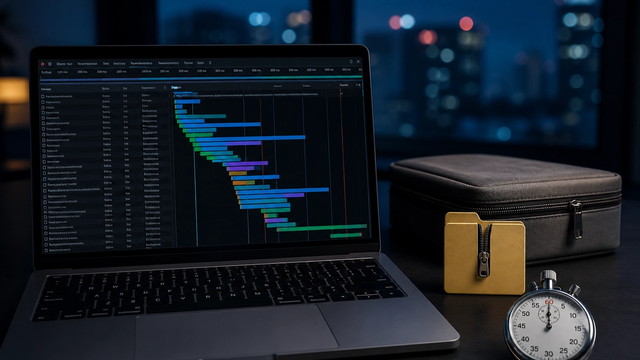
Week one is regression. Compare crawl to crawl. Watch coverage, not vanity keywords. Soft 404s, duplicate without user-selected canonical, and crawled-currently-not-indexed on money pages are the alerts that matter.
Week two to four is confirmation. Field Core Web Vitals will lag. Indexation will lag. That is normal. What is not normal is a money URL returning 404, a canonical to the wrong template, or a nav that no longer links the blog index.
Pretty launches decay when nobody owns the week after. I wrote about building sites that still work after the reveal. The 30-day watch is how a redesign stays an upgrade instead of a reset.
Keep a simple log: date, URL, issue, fix. When someone asks whether the redesign 'hurt SEO,' you answer with artifacts, not feelings.
Common week-one failures I still see on same-CMS launches: the blog index noindexed because a template default flipped, pagination URLs newly indexable, a global canonical pointing at the homepage, and a sitemap that still lists the old collection paths after a CMS rename. None of those require a new platform. All of them require a human who will look.
If Search Console shows a coverage dip, do not panic-rewrite titles on day three. Confirm status codes and canonicals first. Google recrawls on its own schedule. Your job is to make sure the document it recrawls is the one you meant to publish.
When this redesign is actually a platform move
If the CMS, domain, protocol, or URL space is changing, stop using this timeline as the whole plan. Same-CMS visual work assumes paths can stay. A platform move needs a redirect map built from the old inventory, staging rules that prevent an indexing accident, and a longer watch.
Google documents site moves with URL changes in Moving a site. For the operator sequence I actually use when the stack changes, follow the platform-move checklist instead of stretching a visual-redesign plan.
If you are about to restyle a live site and you want the freeze reviewed before design starts, send the domain and the CMS. I will tell you which URLs and template fields cannot move.
Implementation table
| Fix | Problem | What to change | Metric | Tool |
|---|---|---|---|---|
| SEO freeze packet | Redesign starts in Figma with no baseline | Store crawl, GSC exports, nav screenshots, and schema notes before kickoff | URL count vs indexed count saved | Crawler + Search Console |
| Template SEO spec | New theme drops titles, canonicals, or JSON-LD | Require title, H1, canonical, index, and schema fields on each replacing template | Top URLs still 200 with self-canonicals | Staging crawl |
| 30-day coverage watch | Launch treated as the end of SEO work | Compare crawls and GSC Pages weekly for a month | Money URLs indexed, no surprise noindex | Search Console Pages |
Freeze the URLs before Figma gets a vote.
Send the live domain and the CMS. I will mark which paths, template fields, and nav items cannot move on a same-CMS redesign.
Book a redesign SEO reviewSources & references